

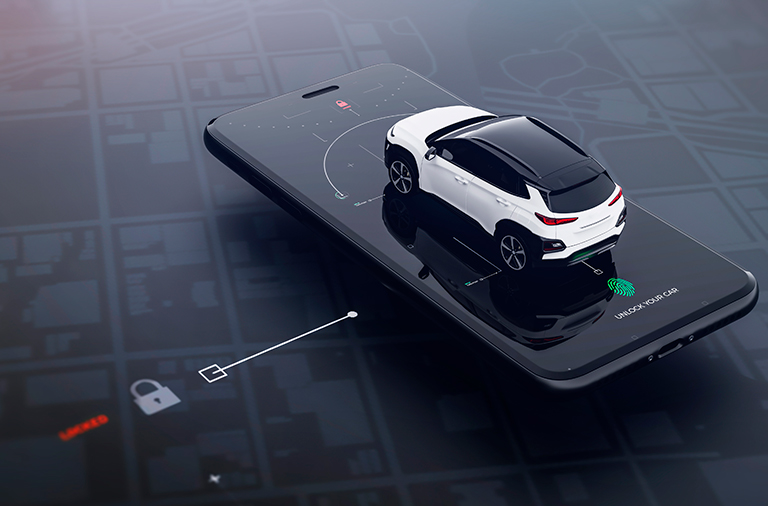
Technology is transforming how we interact with our vehicles, and controlling the car via mobile phone has become an increasingly accessible reality. Unlocking the door, starting the engine, and checking the fuel level via mobile phone is already routine for many people. This remote control comes from the manufacturer's own app and works in cars that come from the factory with connectivity. In others, the mobile phone reads the engine data with an OBD2 adapter and saves the exact point where you parked.
Furthermore, these apps are an excellent tool for those seeking efficiency and modernity in their daily lives. They provide remote control over various vehicle functions, ensuring convenience and saving time. In this article, we will present the 4 best free apps to control your car via your cell phone, explaining how they can facilitate your routine and improve your driving experience.
Why Use Apps to Control Your Car?
Car control apps using your cell phone are revolutionizing the way we interact with our vehicles. In addition, they offer a practical and affordable solution for those who want greater convenience and safety when using their car. Therefore, these tools have become indispensable for those seeking modernity and efficiency.
On the other hand, these apps also help prevent problems, such as losing your car in large parking lots or forgetting to turn off lights. In this way, they provide peace of mind and complete control over your vehicle. Now that we understand their importance, let's explore the 4 most popular apps for controlling your car via your mobile phone.
myChevrolet
myChevrolet is the official Chevrolet app. On models with factory connectivity, it remotely starts the engine, locks and unlocks the doors, shows the fuel level, tire pressure and oil life, and locates the car on the map.
O myChevrolet It's free to download, and the remote controls depend on the car model and connectivity plan. You can find out at the dealership if yours already comes with this feature.
Torque
Torque is a powerful tool for those who want to monitor their car’s performance directly from their cell phone. In addition, it uses OBD-II connections to provide detailed information about the engine, such as temperature, oil pressure, and fuel consumption. This way, you can identify problems before they become serious.
O Torque It also includes features such as performance graphs and fault diagnosis. On the other hand, you need to purchase a compatible OBD-II adapter to use the app. However, it is an excellent choice for those looking for advanced vehicle control and monitoring.
Ford
The Ford app serves the same purpose for the brand's cars: remote start, locking and unlocking doors, vehicle statistics, and GPS location, at no extra cost on compatible models.
At the Ford app You can also schedule maintenance at your favorite dealership and, in some models, use your cell phone as a key. Remote commands appear when the car has a factory-installed modem.
Find the parked car
For those without a connected car, the most common problem is different: forgetting where they parked. The "Find My Parked Car" app solves this with two taps: one to save the GPS location when parking, and another to open the return route in the navigation system.
O Find the parked car It works on any phone with Android 5.0 or later and is independent of the car model. It's a lifesaver in shopping malls, stadiums, and unfamiliar cities.
Features that Make a Difference
When choosing an app to control your car via your mobile phone, it's important to consider its unique features. Apps from car manufacturers, such as myChevrolet and Ford, enable remote controls in factory-connected cars, while Torque prioritizes performance monitoring.
Additionally, many of these apps include additional benefits like safety alerts and navigation integration. In this way, they help users customize their experience to their needs. So when evaluating these options, consider your priorities and the type of control you’re looking for.
Conclusion
Controlling your car using your cell phone has never been easier thanks to the free apps available on the market. Whether you are someone who seeks practicality in your day-to-day life or wants to monitor the performance of your vehicle, these apps offer practical and efficient solutions. In addition, they provide security and peace of mind, ensuring that you have full control over your car.
However, it’s important to choose the app that best suits your needs. Try out some of the options mentioned in this article and find out which one best suits your lifestyle. That way, you’ll be able to make the most of the technology available and transform your driving experience. Good luck!